TLDR
- If you still have the original unstickered photo, use that file. No model can honestly recover pixels that were never in the export.
- If you can brush or circle the overlay on a supported device, Apple Clean Up and Google Photos Magic Eraser are the native “select then fill” paths (Clean Up requirements; Google Photos editing). They are evidence of how the industry works — not this article’s generate button.
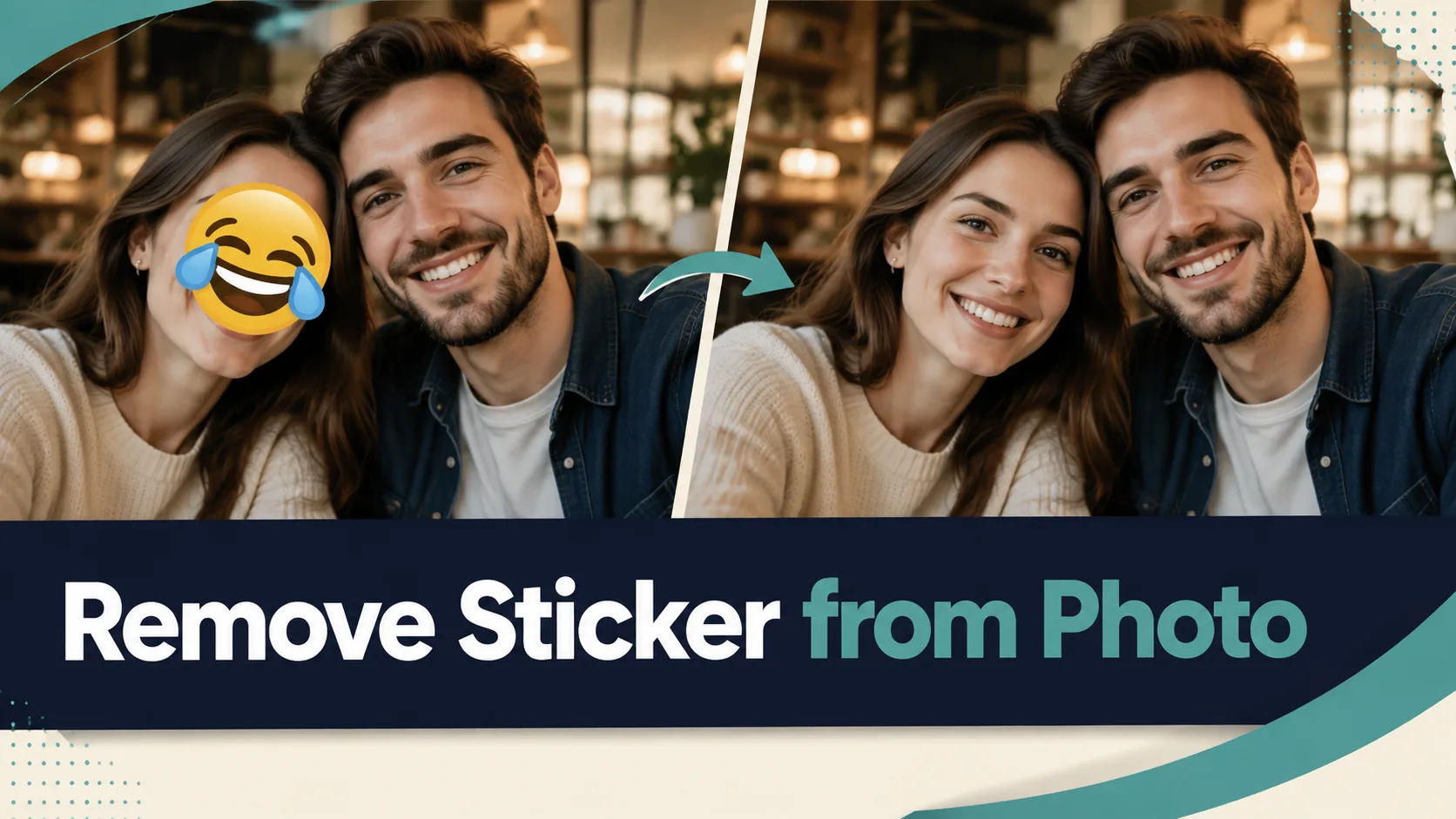
- If you only have the blocked still, remove sticker from photo on this site: upload → generate → download. No prompt box. No mask brush.
- Default 1K costs 6 credits. New signups get 5 credits, which does not cover one default run. There is no free unlimited path.
- Keep part of each face visible. A glyph on a cheek or eye is the intended case. A whole face covered is a fail, not a hero.
Key Takeaways
- Stickers in Messages can sit on top of photos (Apple Developer); Stories add stickers as an editor overlay (Instagram Help).
- Industry fill tools generate the missing patch. They do not open a hidden original (OpenAI edits; TidBITS on Clean Up).
- Apple Clean Up needs a compatible iPhone 16 / 15 Pro class device and iOS 18.1+ (extra limits for the EU and China mainland) (HT121429). The in-app path is tap, brush, or circle (iPhone User Guide).
- Google’s Magic Eraser removes “unwanted objects” in a few taps (Google Photos) and may not work on all image elements (Google Photos Community, 22 May 2023).
- Even with a mask, OpenAI notes the model may not follow the mask’s exact shape with complete precision (Image generation). This site’s v1 has no mask, so identity lock is a goal of the preset, not a guarantee.
- Adobe separates generative fill from remove or replace backgrounds (Firefly generative fill). Do not use a background cutout as a sticker eraser.
Rebuild vs uncover (30-second table)
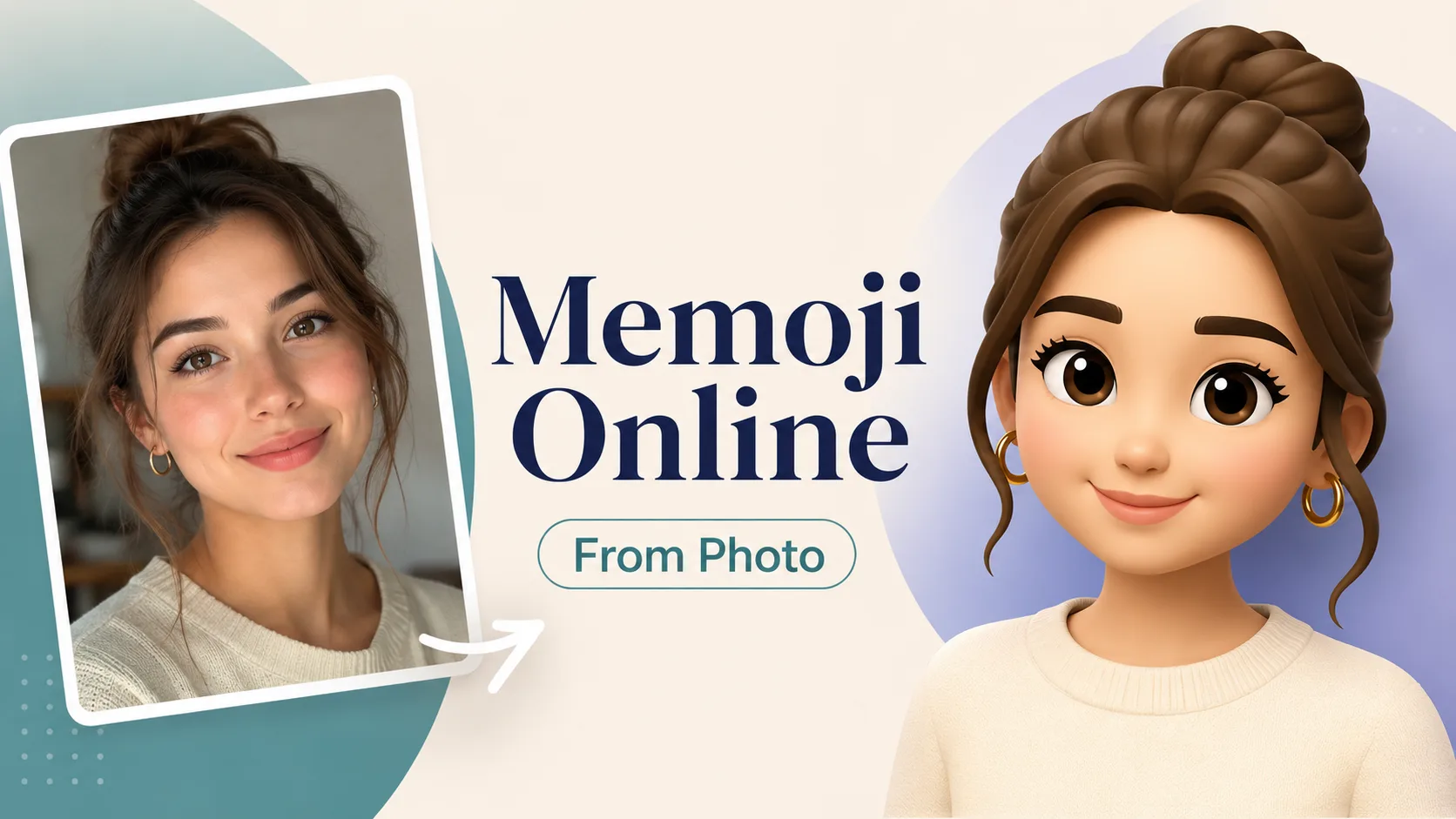
| Job | What actually happens | Use this when | | --- | --- | --- | | Keep the original | No fill. You still have the unstickered file. | The sticker lived only in a chat or Story editor. | | Native brush / circle | You select the overlay; the OS fills the hole (Clean Up; Magic Eraser). | You have a supported phone and want to paint the region yourself. | | This site, one upload | Hidden preset hunts emoji, chat stickers, and screenshot bubbles, then rebuilds the patch. | You only have the flattened still and do not want a box-select step. | | Background remover | Drops the whole backdrop. | Wrong tool for a sticker on a face. | | Photo restore | Aimed at scratches and yellowing, not overlays. | Wrong tool for emoji on a cheek. | | Photo to Memoji | Turns a portrait into an Apple-style character. | After the overlay is gone, if you then want a character — Photo to Memoji. Not this article’s main path. |
Three paths (pick one, then stop)
Path A — You still have the clean original
Stop generating. Use that file. Screenshot culture makes this easy to forget: the version with the sticker is often a second export, not the camera original.
Path B — Native select-then-fill (not this site’s CTA)
On a supported iPhone, Photos → Edit → Clean Up, then tap, brush, or circle the sticker (user guide; device list, published 14 April 2025). Google Photos documents Magic Eraser as a few taps to remove distractions (editing page). These tools still fill; they do not prove what sat under the sticker (TidBITS).
Use Path B when you want a brush. Do not treat those help pages as “go generate somewhere else.” The convert button in this article stays on this site.
Path C — Remove sticker from photo here (main path)
Open Remove Sticker from Photo. The effect is a fixed image-to-image preset: you do not type a prompt, and v1 does not offer a box-select.
- Upload the blocked photo. One image: selfie with emoji, chat export with a sticker, or screenshot with a speech bubble. Keep at least part of each face visible.
- Generate. The hidden preset looks for emoji, chat stickers, and screenshot bubbles, then rebuilds only those patches.
- Download. Reuse the still for a post, a ticket, or — only if you actually want a character next — Photo to Memoji.
Default 1K = 6 credits. Signup credits are 5, so one default run does not complete on the welcome balance.
Upload checklists (the generator has no prompt box)
You cannot paste a prompt into this effect. Use these as source-photo checks before you spend credits.
Checklist 1 — Face emoji
One selfie or pair selfie
Emoji on a cheek, eye, or forehead
The rest of each face is still visible
Nearby person should stay in the shot
Checklist 2 — Chat sticker
Chat export or group photo
Cartoon / peach / iMessage-style sticker on a mouth, chest, or product
Background and other people should remain
Not a request to delete a real object
Checklist 3 — Screenshot bubble
Screenshot with a speech bubble or UI chip on clothes or a wall
The person under / beside the bubble is still partly visible
You want the jacket or wall rebuilt, not a transparent PNG
If your file fails a checklist (whole head covered, only a tiny sliver of skin, five overlapping stickers eating the frame), skip the run or expect drift.
Failure boundaries
- Whole face covered. The fill is invented. It can look plausible and still not be that person. Do not use that result as identity proof.
- Nearby people. The preset is written to leave bystanders alone. OpenAI’s own mask guidance says shape-following is not pixel-perfect (docs). Treat “the friend still looks like themselves” as a goal you check, not a contract.
- Soft blur / mush in the patch. Same class of miss as Magic Eraser’s “may not work on all image elements” (community thread). Re-upload a sharper crop rather than stacking runs on a mushy patch.
- Credits. 6 at default 1K; 5 signup credits do not cover it. Credit packs do not expire. Do not expect a no-signup free pass.
- Wrong sibling tools. Background remover and photo restore will not honestly do this job. Memoji Creator / Photo to Memoji will cartoon the face on purpose.
What we know vs what we don’t
| We know | We don’t know / won’t claim | | --- | --- | | Overlays sit on top of photos in Messages and Stories (Apple; Instagram). | A public monthly search-volume figure for these queries. This guide does not invent one. | | Fill tools generate pixels (OpenAI; TidBITS). | Exact original skin under a fully covered face. | | This site’s v1: one upload, hidden preset, no box-select, 1K = 6 credits. | That the preset will never change a bystander. | | Apple Clean Up is device-gated (HT121429). | That every Android / iPhone can Magic-Erase or Clean Up a chat sticker. |
After the overlay is gone
If the remaining job is portrait → Apple-style character, that is a different intent. Use Photo to Memoji only after the sticker is gone. Do not start there if you still need a real photograph.
FAQ
Does this uncover the original pixels under the sticker?
No. Those pixels were typically never in the flattened export. The fill is a plausible rebuild (OpenAI image edits; TidBITS). Do not treat the result as forensic proof.
Do I box-select the sticker?
No. v1 has no box-select or mask brush. If you need to paint the region yourself, use a native Clean Up / Magic Eraser path on a supported device (Apple guide) — then come back here only if you still want a one-upload pass.
Will it swap faces or change the person beside me?
The preset asks the model to keep identity, pose, and lighting. That is not a guarantee. Keep part of each face visible and check the bystander after the run.
Is it free?
No. Default 1K is 6 credits. Signup’s 5 credits do not cover one run. There is no unlimited plan on this slug.
I still have the original photo without the sticker. Should I generate?
No. Use the original. Generation is for the copy you cannot replace.
How is this different from Apple Clean Up or Google Magic Eraser?
Those tools expect you to select the distraction on a supported device (HT121429; Google Photos). This site hunts emoji / chat stickers / screenshot bubbles in one upload. Both families fill pixels. Neither peels a hidden layer.
Can I remove emoji from photo when the whole head is covered?
You can press generate. You should not expect a true identity match. That case is a fail, not a hero example.
Several stickers overlap on one shot. Will one run clear them all?
Maybe. Start with the intended three overlay types (face emoji, chat sticker, screenshot bubble). If the frame is a pile of stickers with almost no remaining face, expect misses.
After I remove the sticker, should I make a Memoji?
Only if you now want a character, not a photograph. That is Photo to Memoji, a different tool. This article stops at overlay erase.
About Maya Cho
Maya Cho is an Avatar Workflow Writer. She turns photo-to-avatar experiments into short, honest workflows. She writes the hands-on guides on Memoji Generator.