Erase emoji, chat stickers, and screenshot bubbles — then rebuild only the blocked pixels
Remove sticker from photo when a selfie or screenshot is blocked by emoji, a chat sticker, or a speech bubble. Upload one picture. The fixed effect erases the overlay and rebuilds the covered skin, clothes, or background. It does not cut out the whole backdrop, restore old scratches, or turn people into Memoji characters.
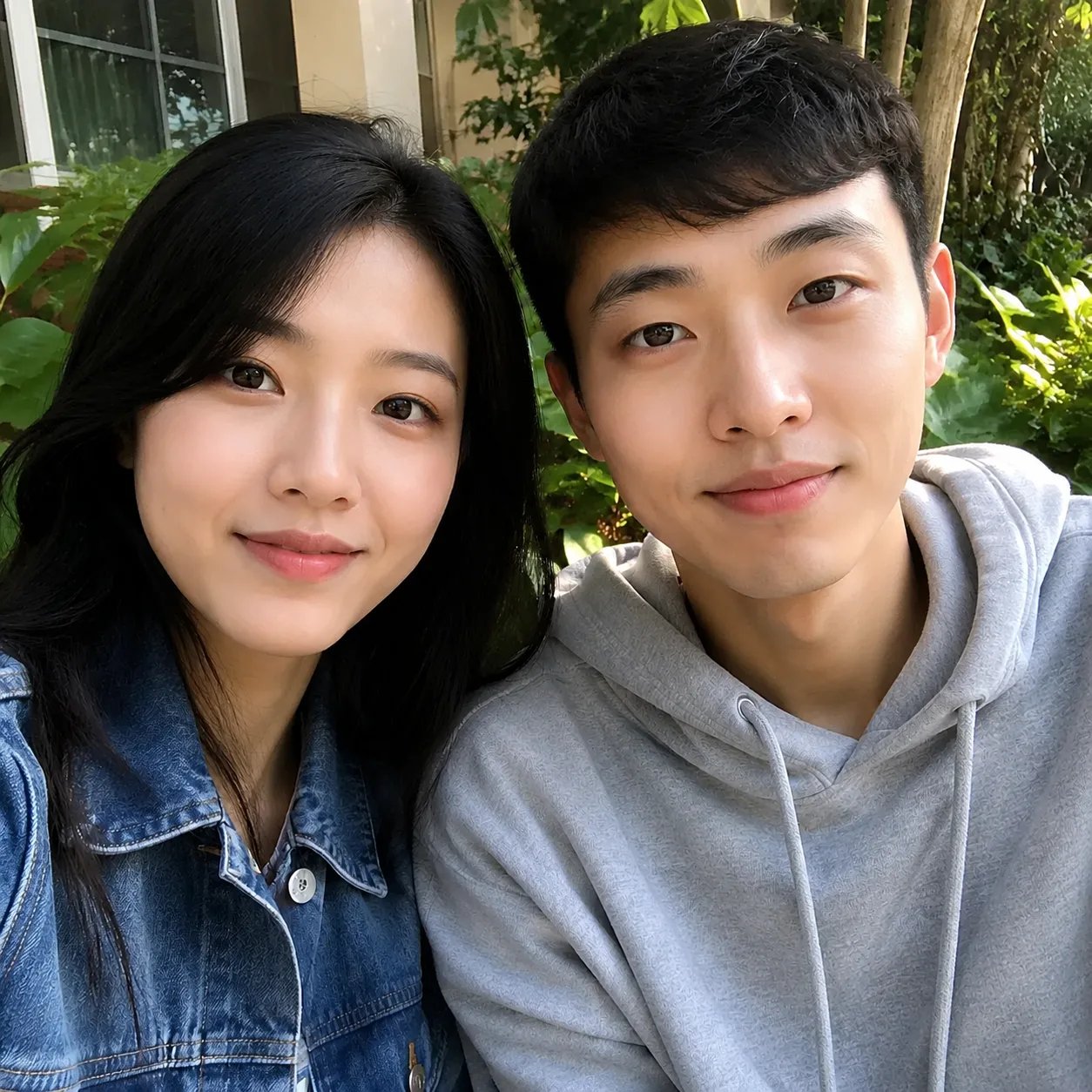
Searchers who want to remove sticker from photo already have a real picture — they need the overlay gone so the shot can be posted or reused. The fixed effect looks for emoji, chat stickers, and screenshot bubbles, then rebuilds only those patches. Use Memoji Creator or Photo to Memoji when the job is portrait → cartoon character. Stay here when the job is overlay erase. Pixels under a sticker were never stored; the model invents a plausible fill. That is rebuild, not uncover.
See remove sticker from photo
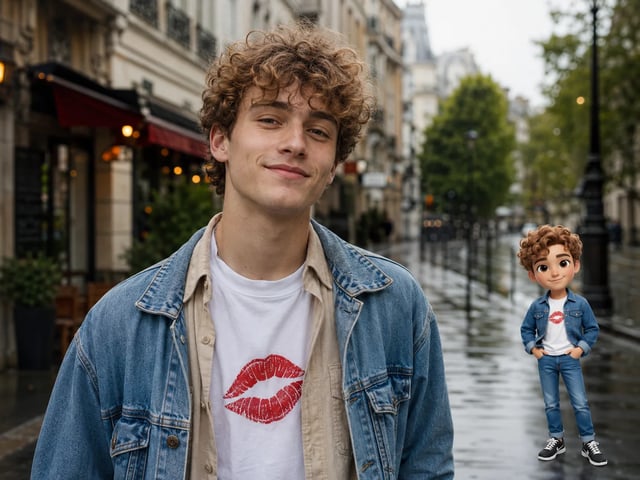
Three remove sticker from photo cases. Nearby people stay in the frame. Try the same upload path above.
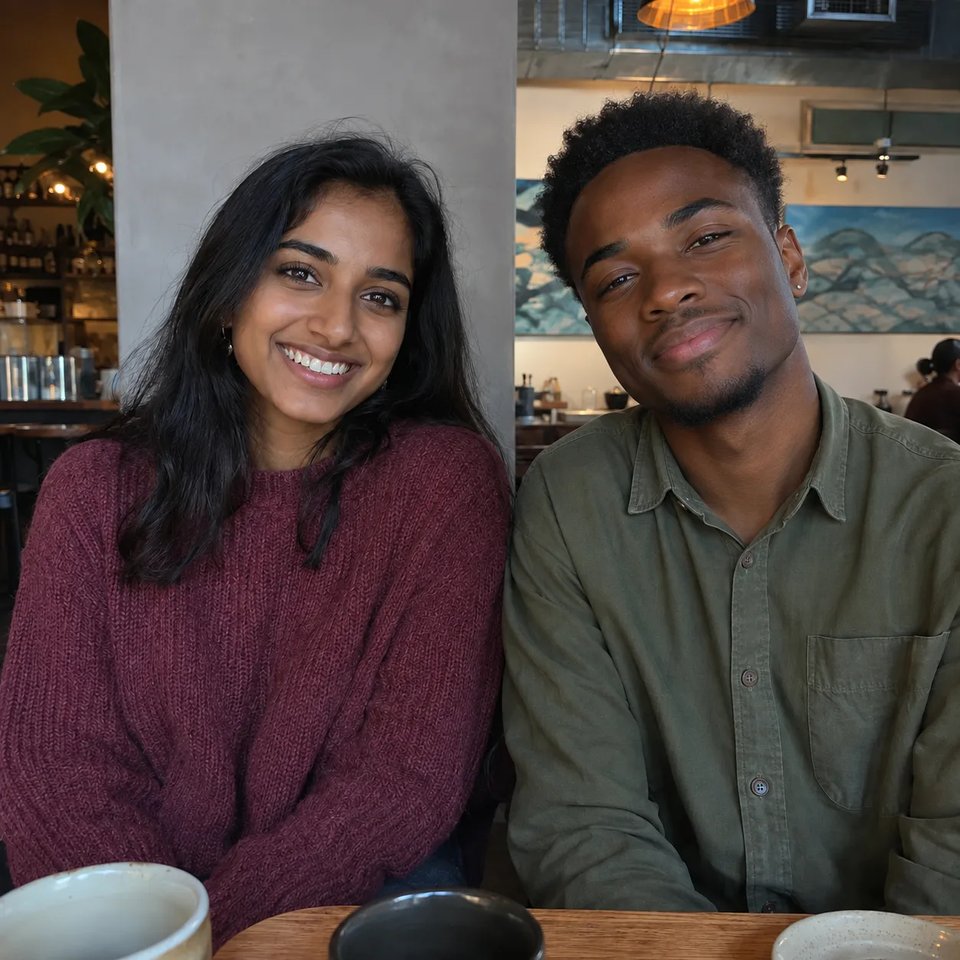
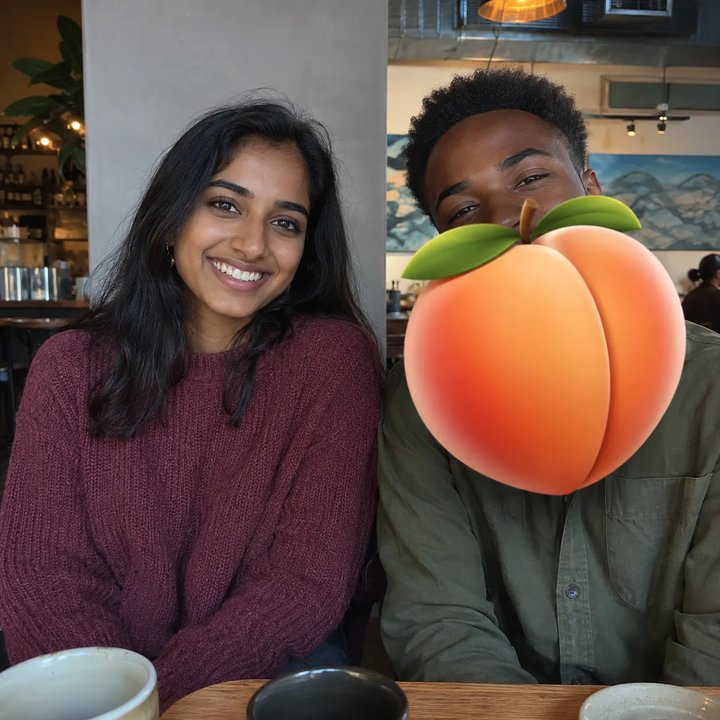
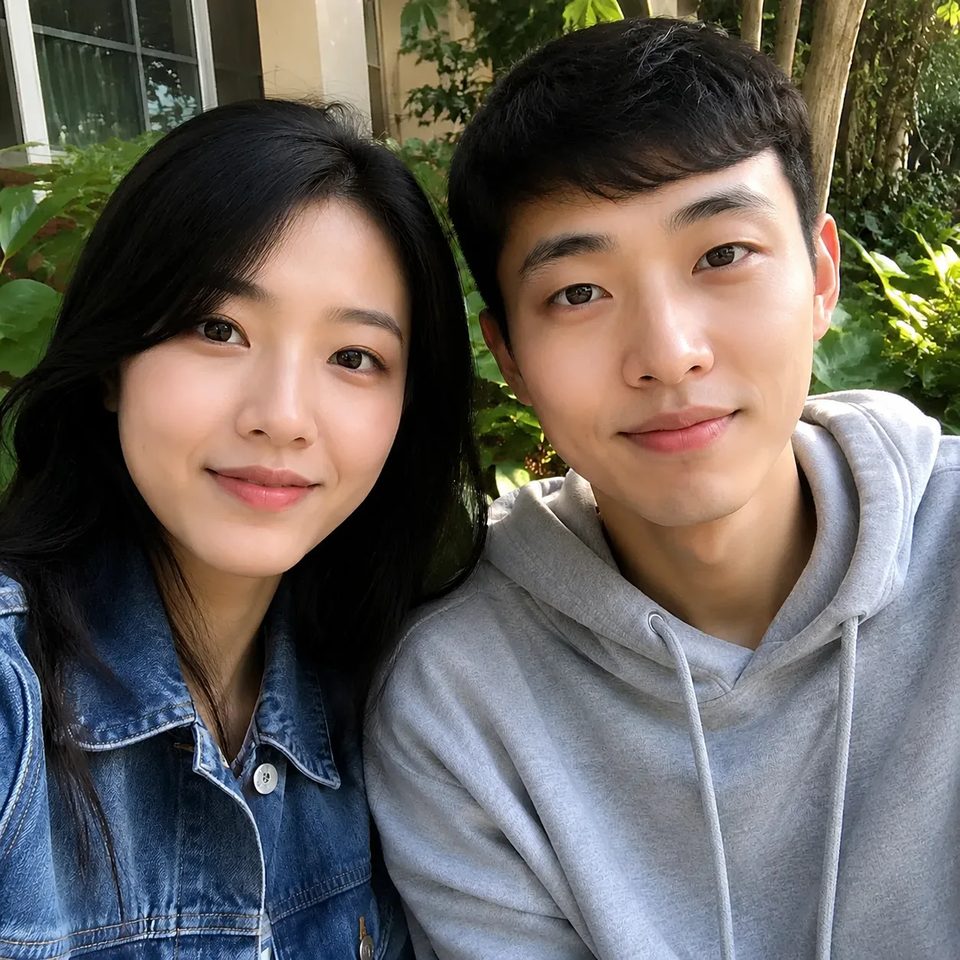
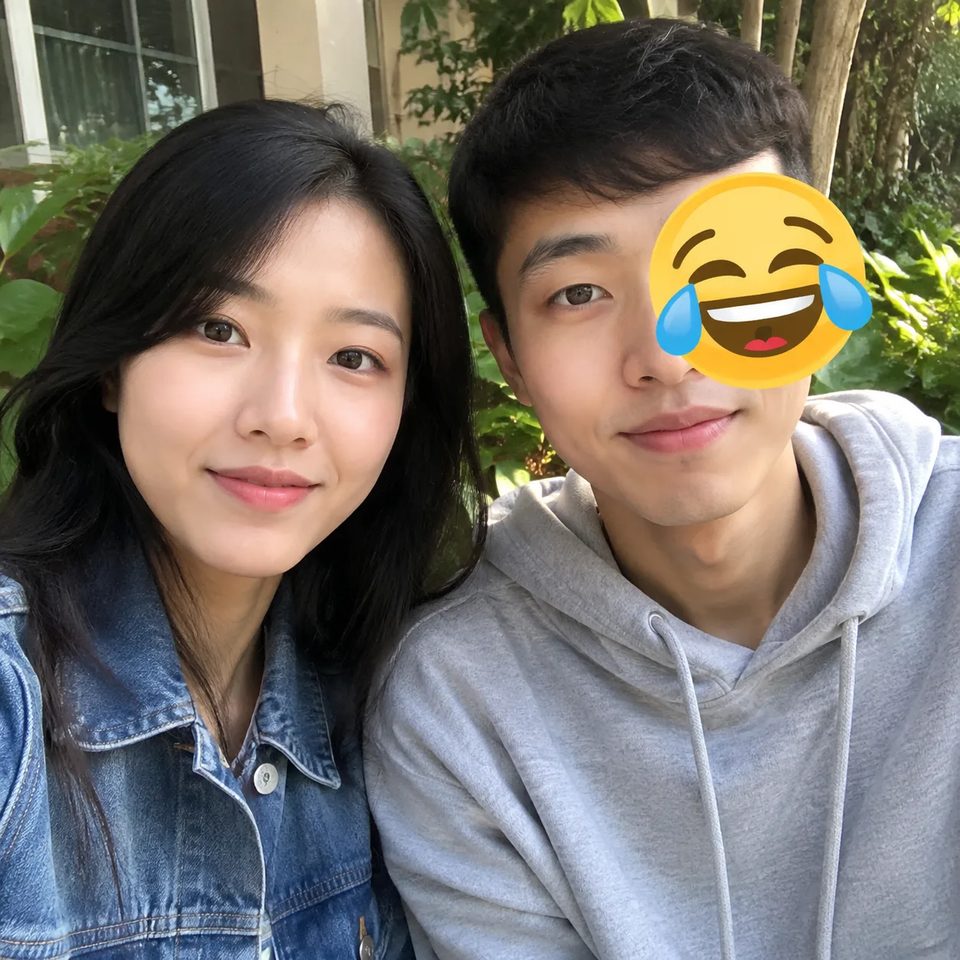
Remove emoji from photo — friend beside you stays
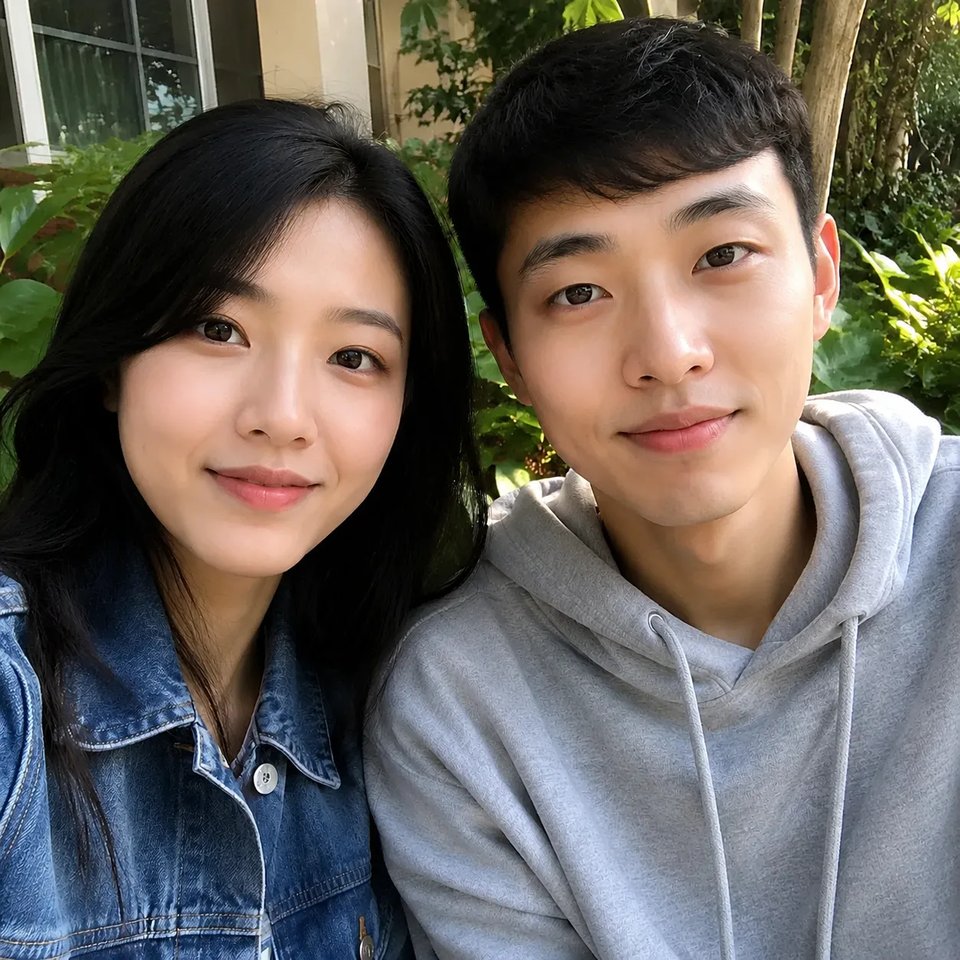
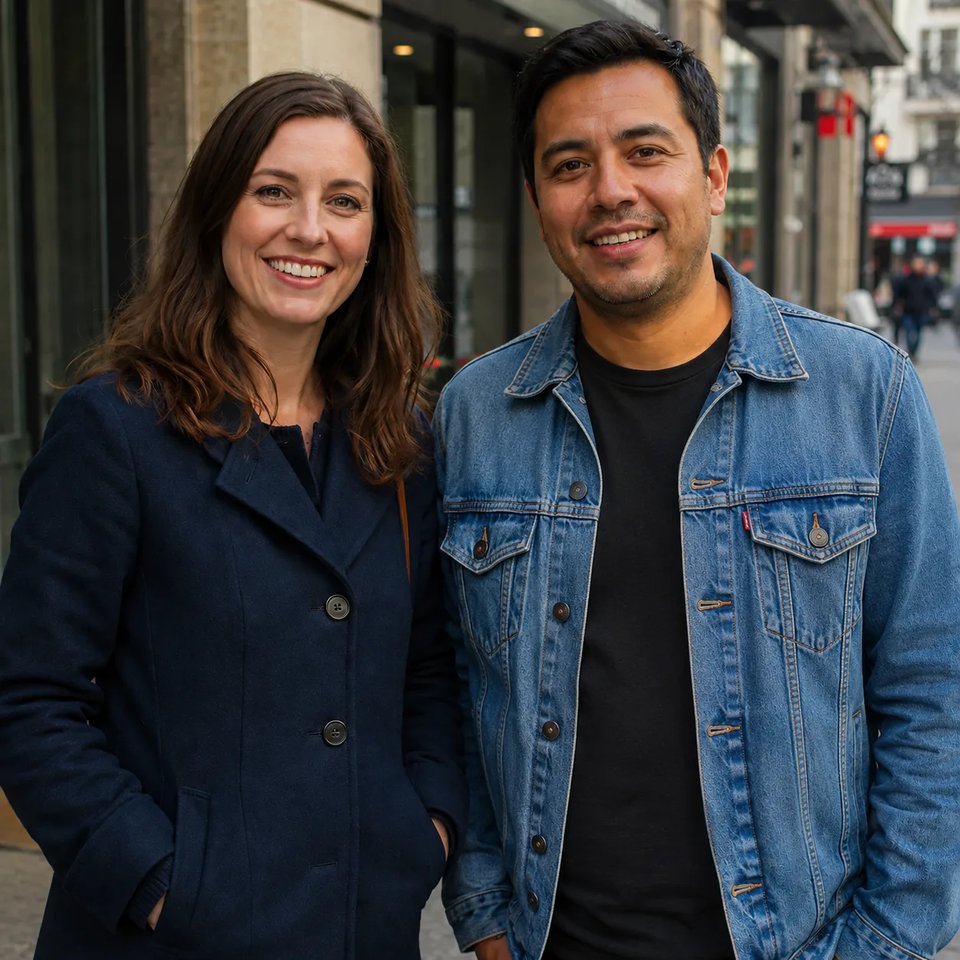
Original
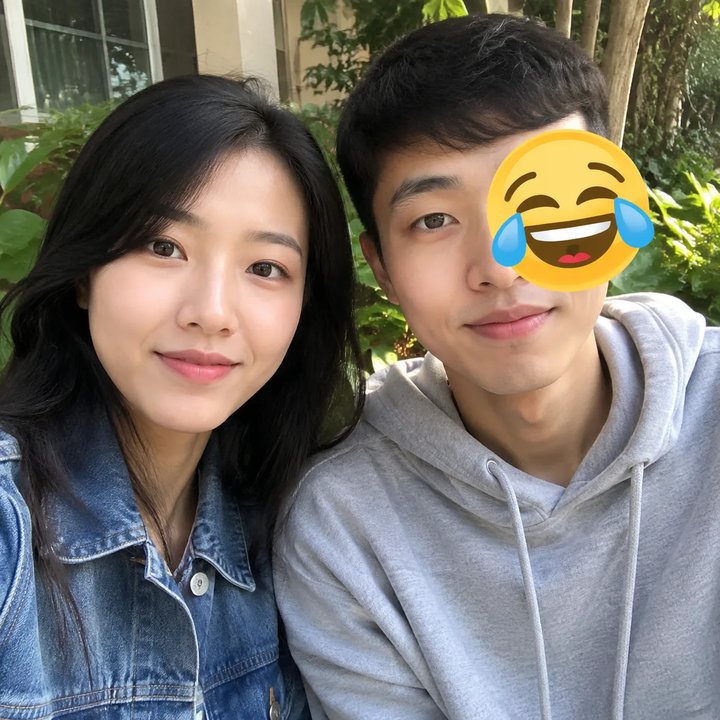
Hidden preset
What remove sticker from photo handles
Face emoji, chat stickers, and screenshot bubbles. Not a general object remover, and not a Memoji generator.
Remove emoji from photo when a laughing face or similar glyph sits on a cheek, eye, or forehead — not when the whole head is covered. The preset rebuilds the hidden skin and keeps the rest of the selfie, including the friend standing next to you. If the emoji ate the entire face, do not expect a true identity match; that case is a fail, not a hero.
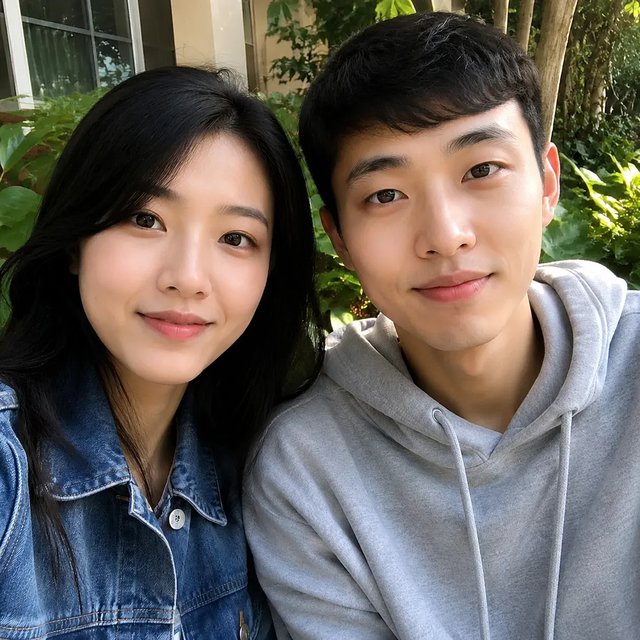
Remove sticker from photo when an iMessage-style peach, cartoon, or chat sticker is pasted over a mouth, chest, or product. The fill is invented pixels, not a reveal of what sat under the sticker. Use this when a group cafe shot or customer-chat export needs the sticker gone and the other person left alone.
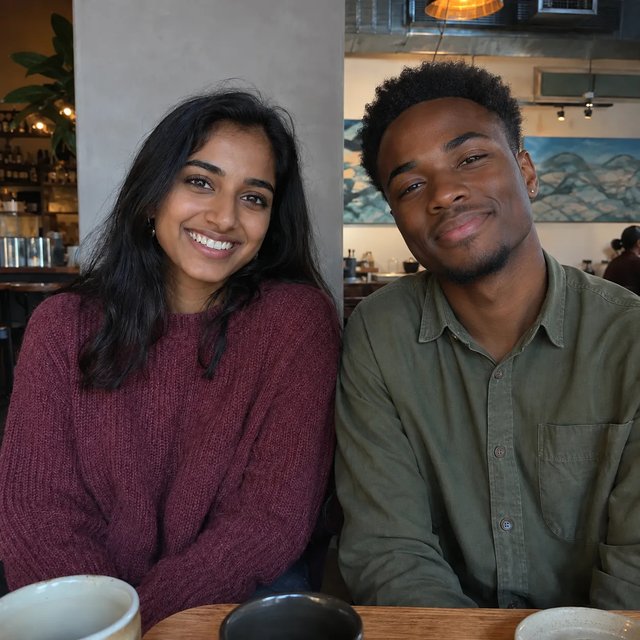
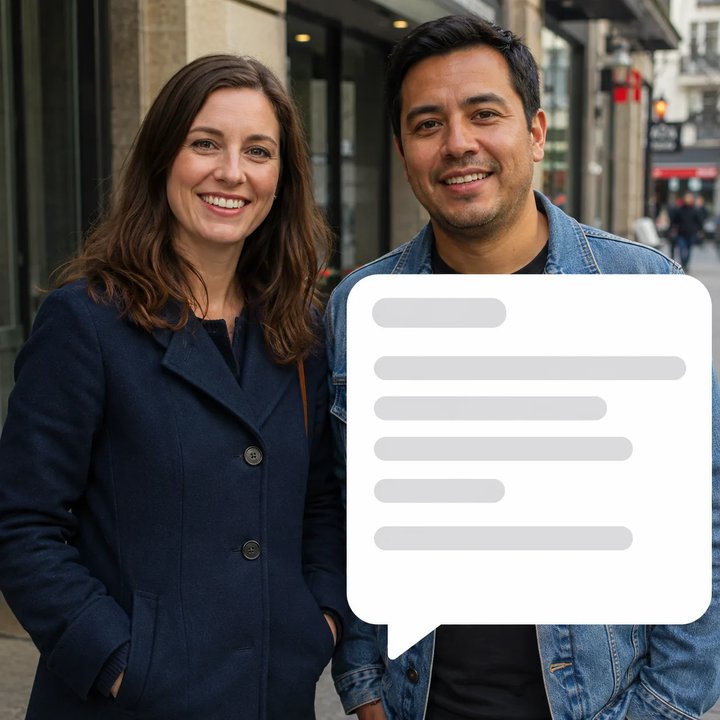
Screenshot speech bubbles sit on top of a real photo the same way stickers do. Erase emoji from picture jobs and bubble jobs share one path: upload, generate, download. The bubble is rebuilt into jacket, wall, or street — not cut into a transparent PNG. This is not background remover and not old-photo restore.
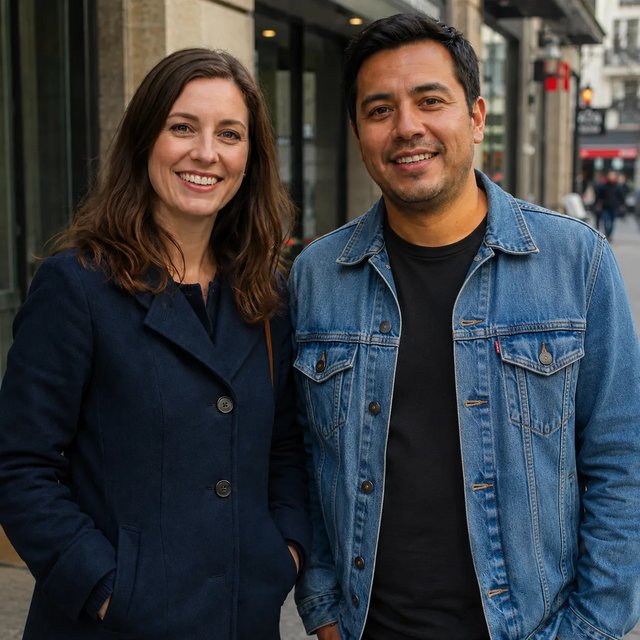
No box-select. No prompt box. Upload, generate, download.
Start remove sticker from photo with one image: a selfie with emoji, a chat export with a sticker, or a screenshot with a speech bubble. Keep at least part of each face visible.
Click generate. The hidden preset hunts emoji, chat stickers, and screenshot bubbles. You do not draw a box around the overlay in v1.
Save the rebuilt still for posts, tickets, or a later Memoji run. Default 1K costs 6 credits; signup’s 10 credits cover one remove sticker from photo run.
Who needs remove sticker from photo
Jobs where erase emoji from picture or a photo emoji remover is the actual search.
Remove sticker from photo when friends covered a cheek with emoji and you want the same people in the shot, not a cartoon rebuild of the whole frame.
Support and community leads use remove sticker from photo on chat screenshots where a sticker hides a face or product they need to show again.
Social recuts often carry platform speech bubbles. Rebuild the covered jacket or wall instead of cropping the person out.
Photo restore fixes scratches and yellowing. Background remover drops the whole backdrop. Neither is a photo emoji remover — stay on this overlay path.
After you remove sticker from photo
This tool only erases overlays. Character generation lives on the Memoji tools.
Remove sticker from photo erases emoji, chat stickers, and screenshot speech bubbles, then rebuilds the covered pixels so the photo can be reused. It is overlay erase, not a Memoji generator and not a background cutout.
The preset is written to keep identities, pose, and lighting, and to leave bystanders alone. It is not a guarantee. If an overlay covered an entire face, the rebuild is invented and can drift. Keep part of each face visible.
No. v1 has no box-select or mask brush. You upload one photo and the hidden preset looks for emoji, stickers, and bubbles. If you need pixel-precise selection, this page is the wrong tool.
No. Those pixels were never stored. Remove sticker from photo invents a plausible fill for the covered patch — rebuild, not uncover. Do not treat the result as forensic proof of what sat underneath.
Yes — that is the intended photo emoji remover case: a glyph on a cheek or eye, with the rest of the face still showing. Whole-face covers are a poor match and should not be used as the hero example.
No. A default 1K run costs 6 credits. New signups get 10 credits, which is enough for one run on this slug. There is no no-signup free path and no unlimited plan. Credit packs never expire.
Erase emoji from picture here only hunts overlays. Photo restore is for scratches and yellowing. Background remover cuts the whole backdrop to transparency. Do not use those pages as a stand-in for remove sticker from photo.
No. Memoji Creator, Memoji Maker, and Photo to Memoji turn a face into an Apple-style 3D character. This photo emoji remover keeps the original photograph and only rebuilds overlay patches.
Upload one picture, erase emoji and chat stickers, rebuild the covered area, and keep the people who were standing next to you.