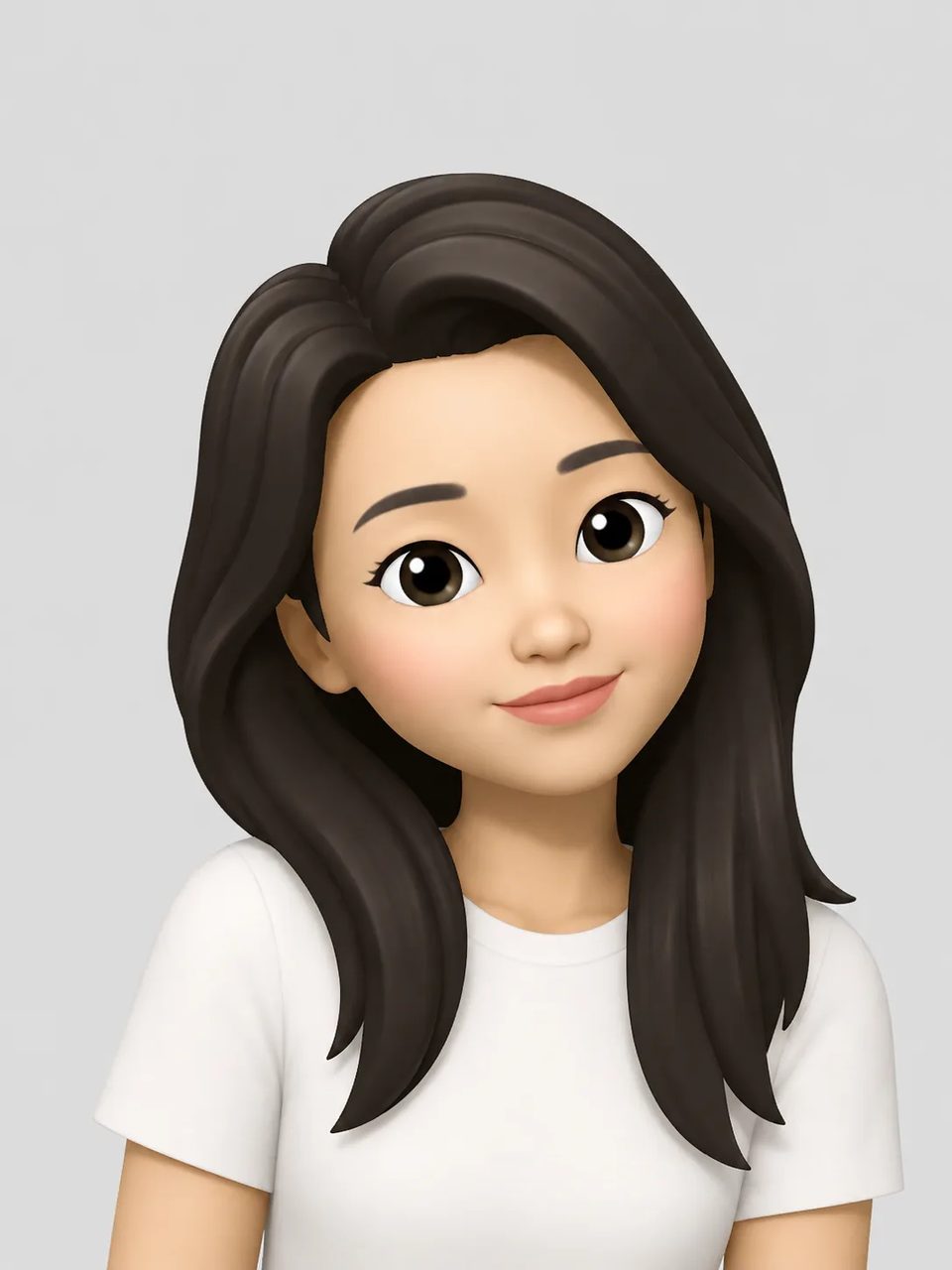
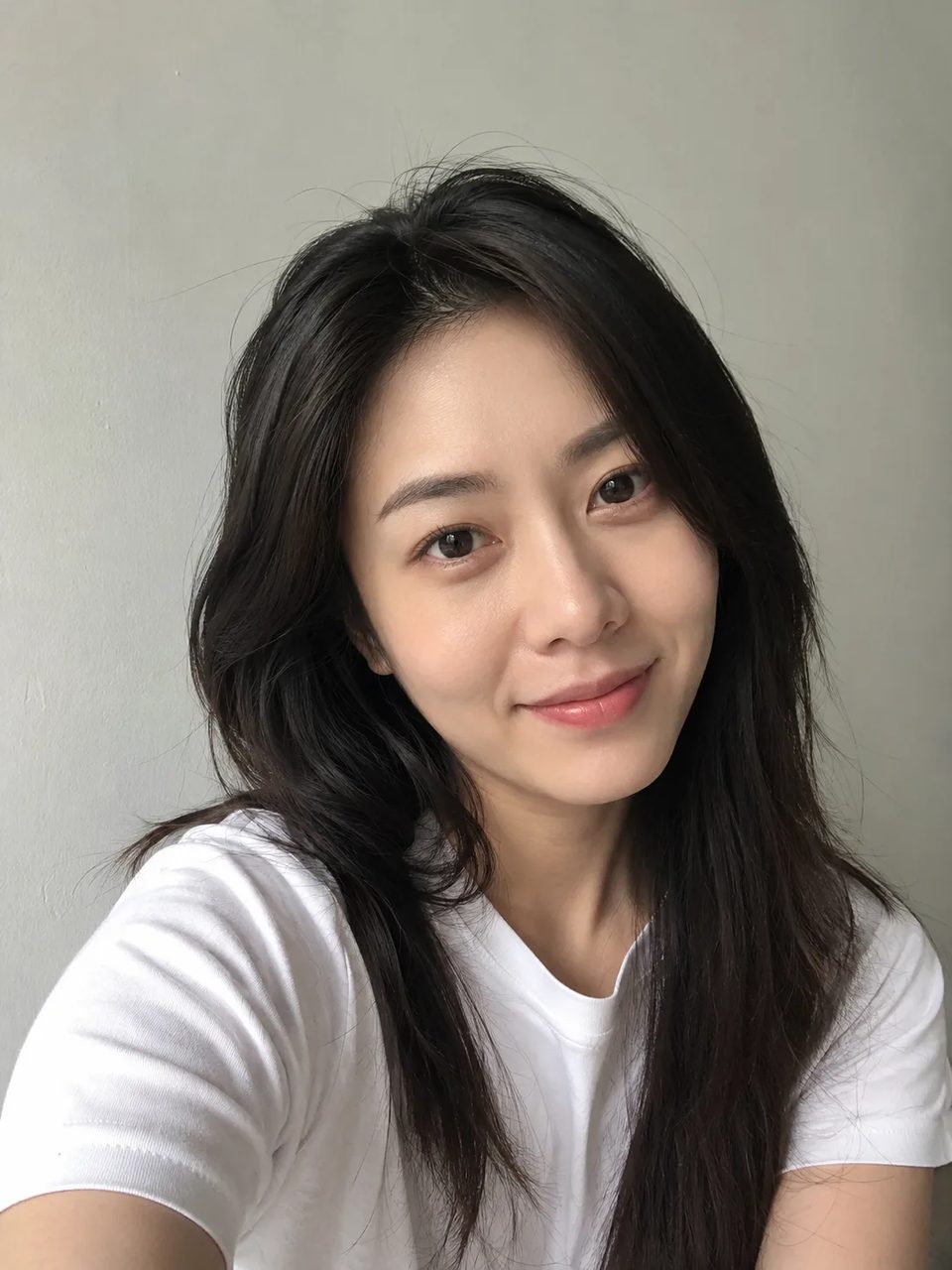
Photo to memoji means conversion: a real portrait in, a 3D Memoji-style still out
Photo to memoji means conversion: this specific face photo in, an Apple-style 3D character out. Apple’s own Memoji editor does not take a photo as input — you pick features by hand. The generator above is the photo path. A good input is a sharp, well-lit front or three-quarter face. Tiny, blurry, or heavily covered faces make identity harder to carry. You get a new character image on a studio-color background — not a sticker glued onto the original shot, and not a transparent cutout.
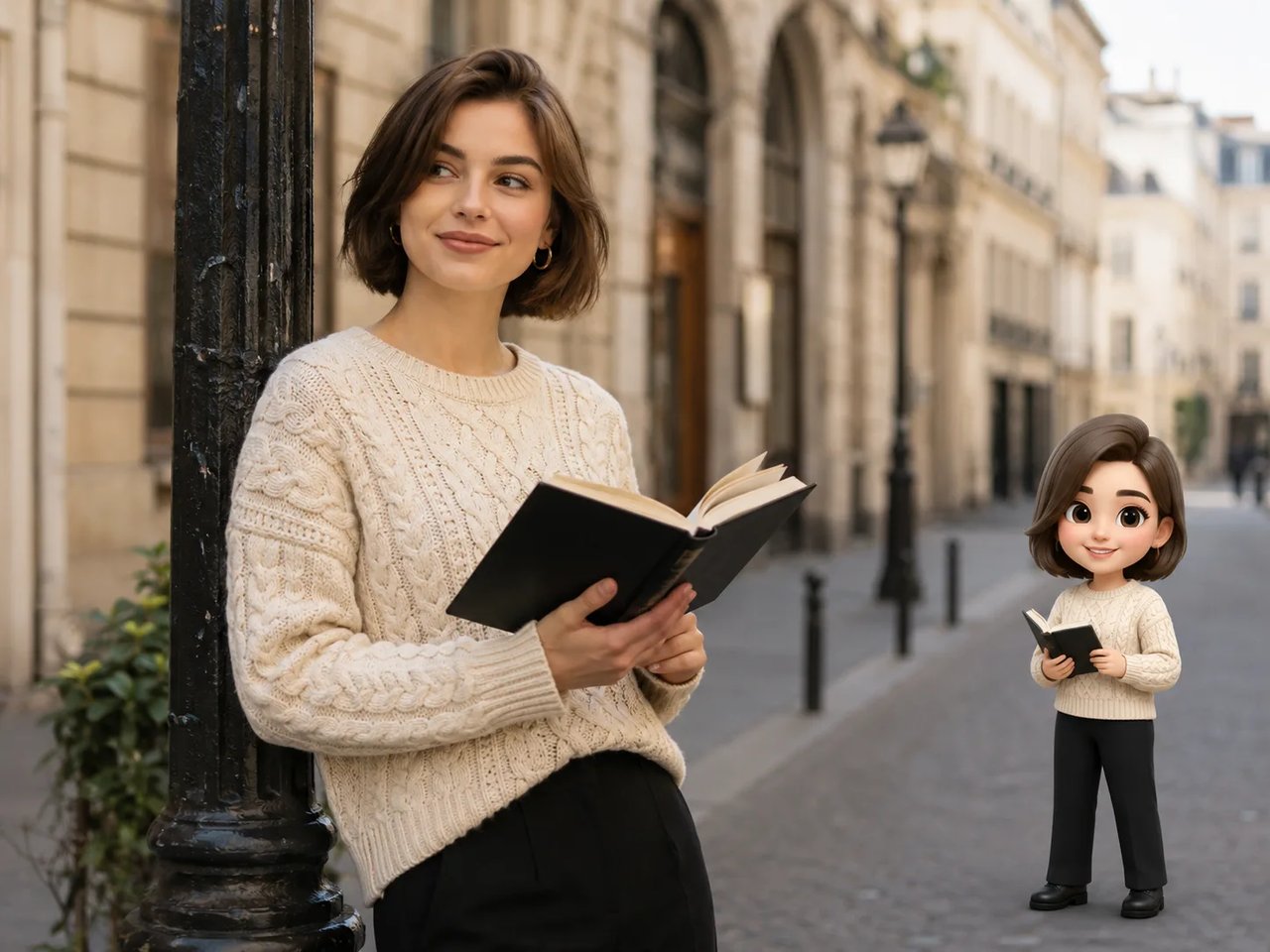
A new Memoji-style still from your portrait — not Apple’s system Memoji, and not a sticker on the original photo.
If you searched photo to memoji or create memoji from photo, you want conversion from a real portrait. The fixed effect here lets you upload, generate, and download. Stay on this photo-first path when the job is portrait → memoji, not inventing a character from text alone. The output is a bust on a solid studio-color background. It is a third-party still, not an official Apple Memoji you can send from Messages, and not a face-tracked Animoji. Crop the bust for a square avatar, or keep the full character for a post.
Input quality
Identity carry depends on the face you upload. This is the conversion checklist — not a style gallery.
Front or three-quarter portraits with light on the eyes and hair convert best. Extreme angles, heavy shadow, or beauty filters that smear the face make generate memoji from photo less reliable.
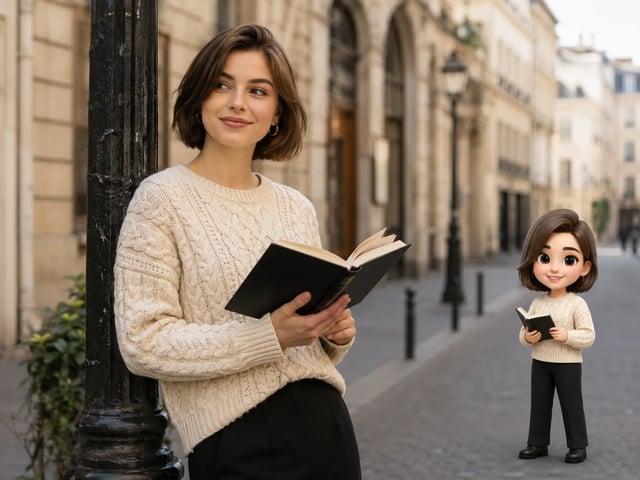
Tiny, blurry, or heavily covered faces reduce how well identity carries. Group shots can work when every face is large enough to read. If a sticker covers a cheek, remove the overlay first, then convert.
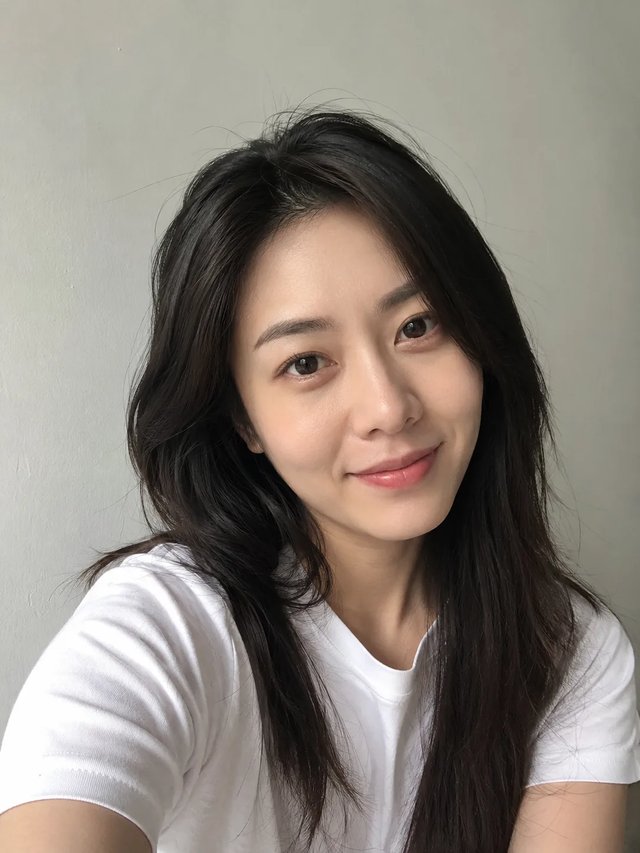
See photo to memoji
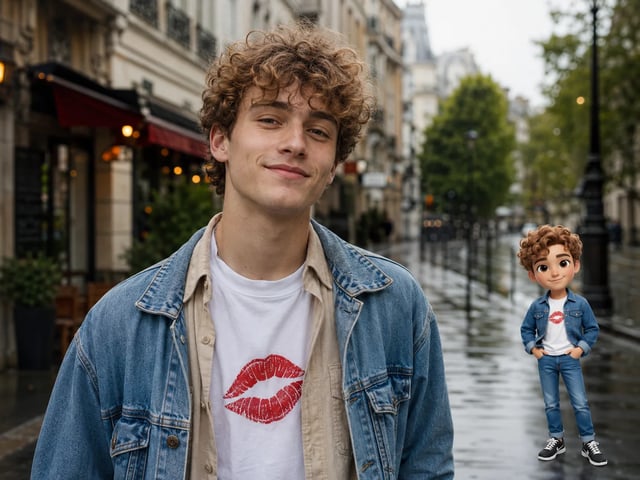
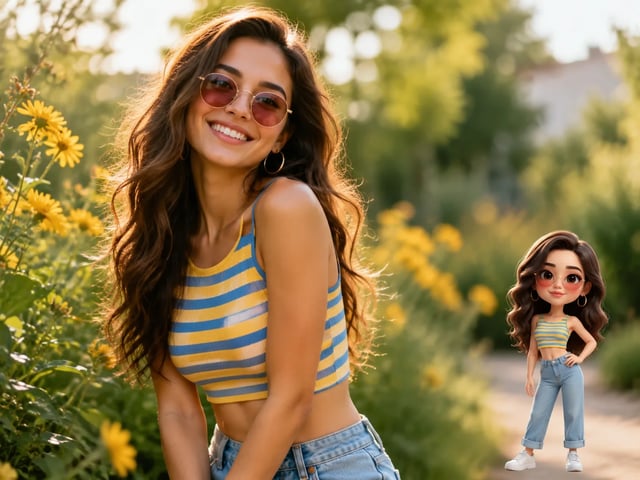
Clear face photo in, Apple-style 3D memoji character out. Try the same path in the generator above.
Photo → 3D memoji character
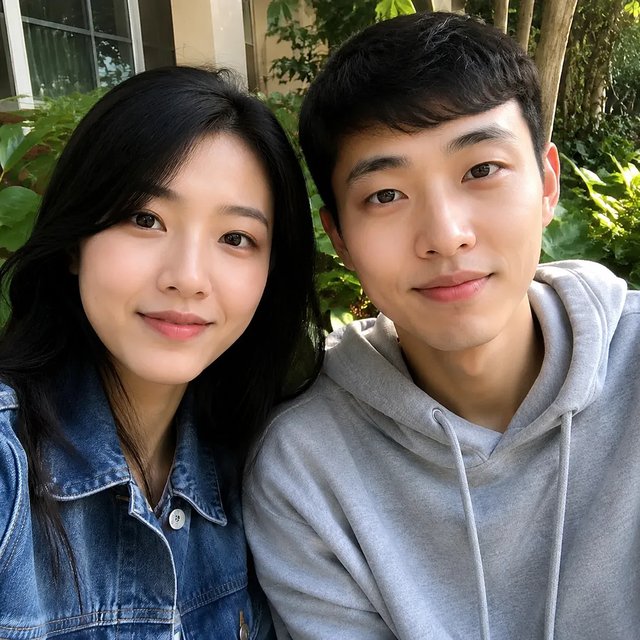
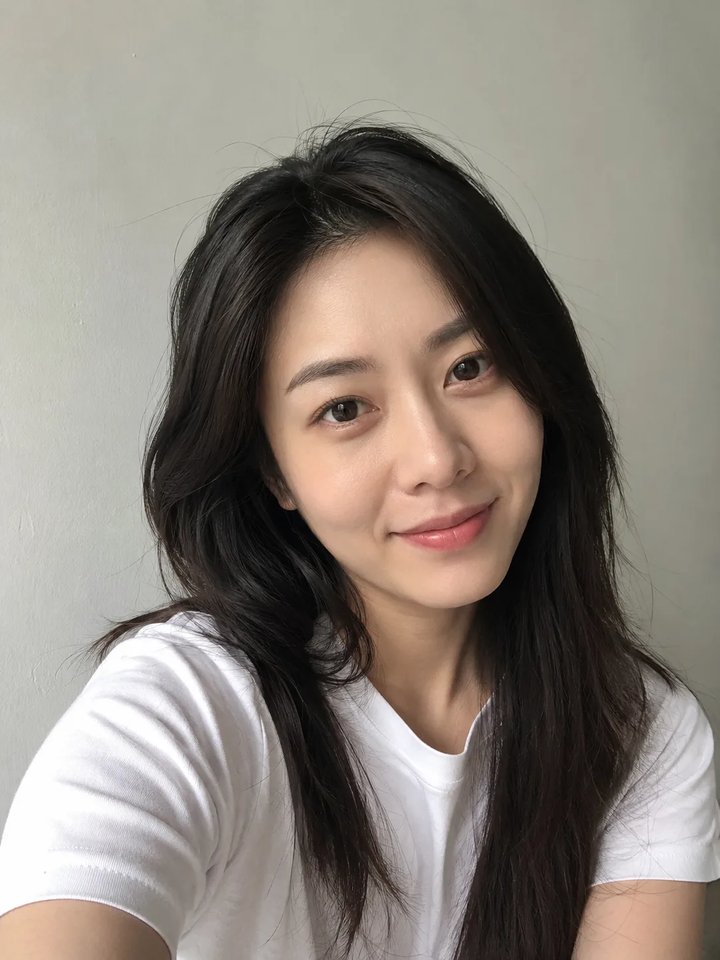
Original
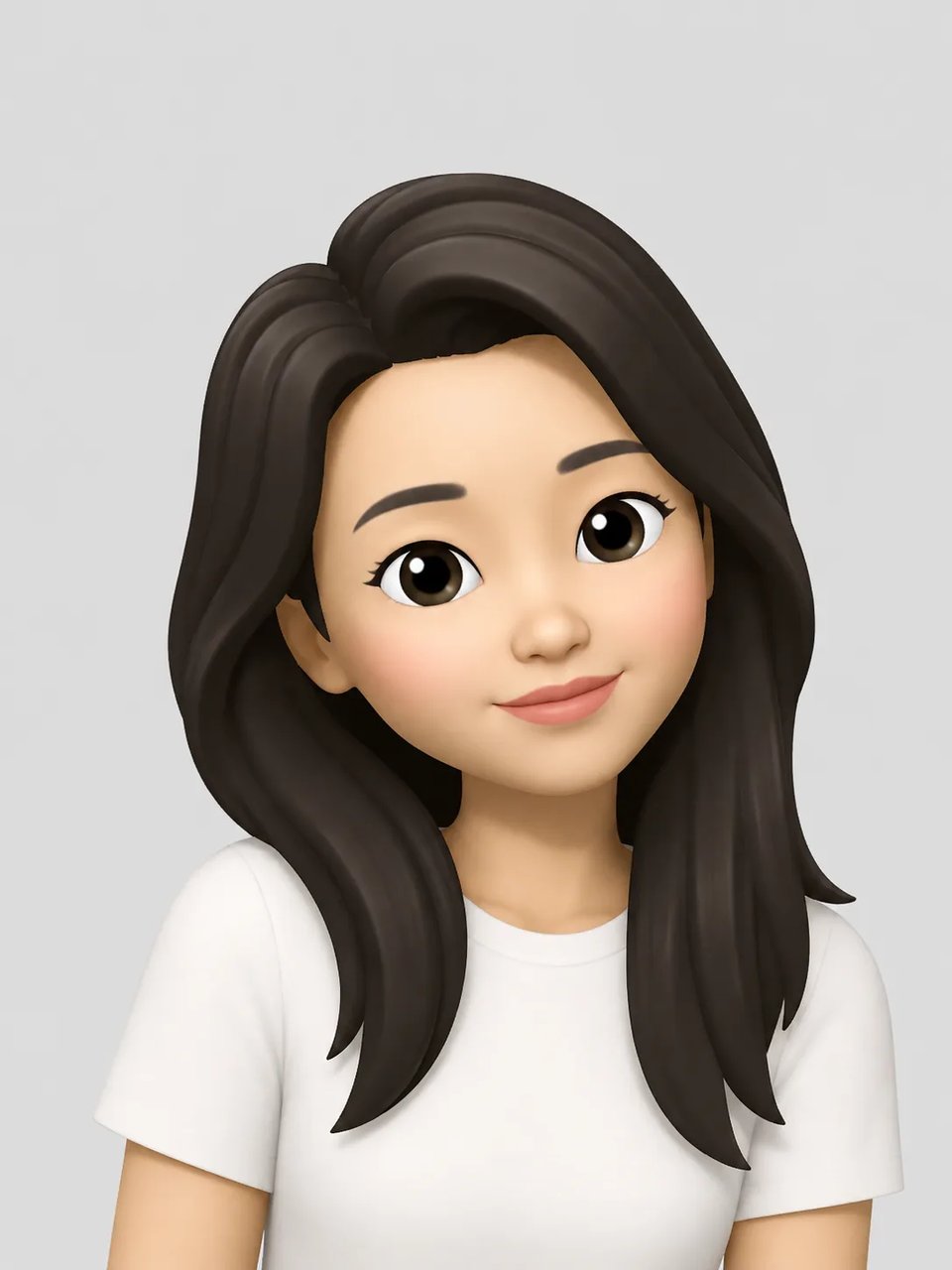
Effect style
No prompt writing required — photo to memoji uses a fixed effect on your upload.
Start photo to memoji with a front or three-quarter portrait. Clear faces give the best identity match.
Click generate. Leave optional wishes blank or add simple notes (smile, glasses, hair). The fixed effect handles the Apple Memoji look.
Save the photo to memoji output for profiles or stickers. Unpaid runs include a watermark. Credits never expire, so you can rerun on a better photo.
Yes: upload the picture, generate, download. The result is a Memoji-style still for avatars and stickers. It is not an official Apple Memoji in Messages, and it will not track your face in FaceTime.
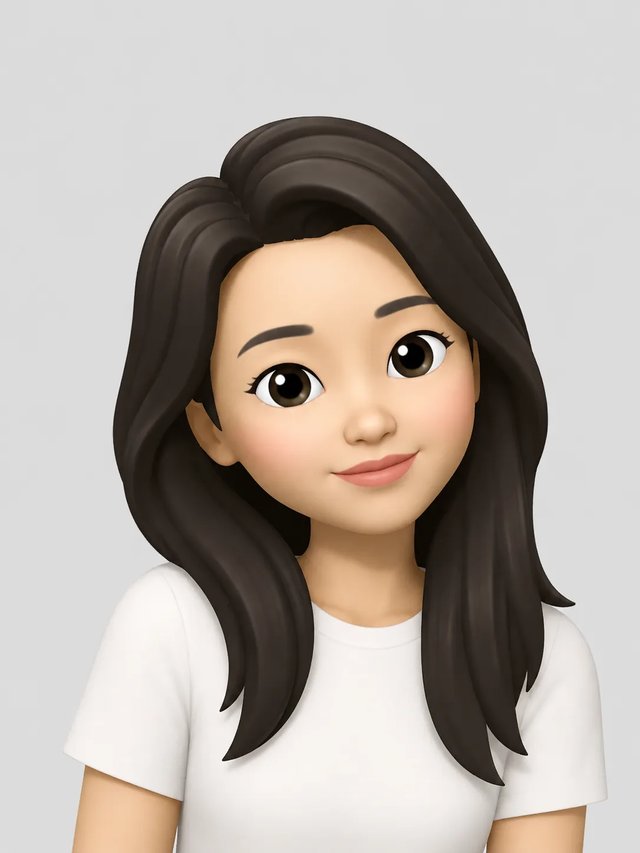
Photo to memoji rebuilds an Apple iOS–style 3D cartoon character from a clear face photo — bust portrait, soft plastic shading, big cartoon eyes. You get a new character image on a studio-color background, not a sticker glued on the original photo, and not a transparent PNG.
Use a clear front or three-quarter face photo with enough light on the eyes and hair. Tiny, blurry, or heavily covered faces reduce how well identity carries over.
Selfie to memoji tries to carry hair shape, glasses, and expression into the Apple-style character so the face still feels like you. Extreme angles, dark shadows, or filters can weaken the match.
The phone editor is hand-tuned on-device and does not take a photo as input. Photo to memoji runs in the browser: upload a photo you already have, generate, download. You do not need a specific phone model.
You need an account. New signups get 10 free credits, and daily check-in awards 1 credit per day. A default 1K run costs 6 credits, so signup covers one generation. Unpaid results include a watermark. There is no no-signup path. Packs never expire.
Next on this site
Stay for photo conversion. Jump if your next job is different.