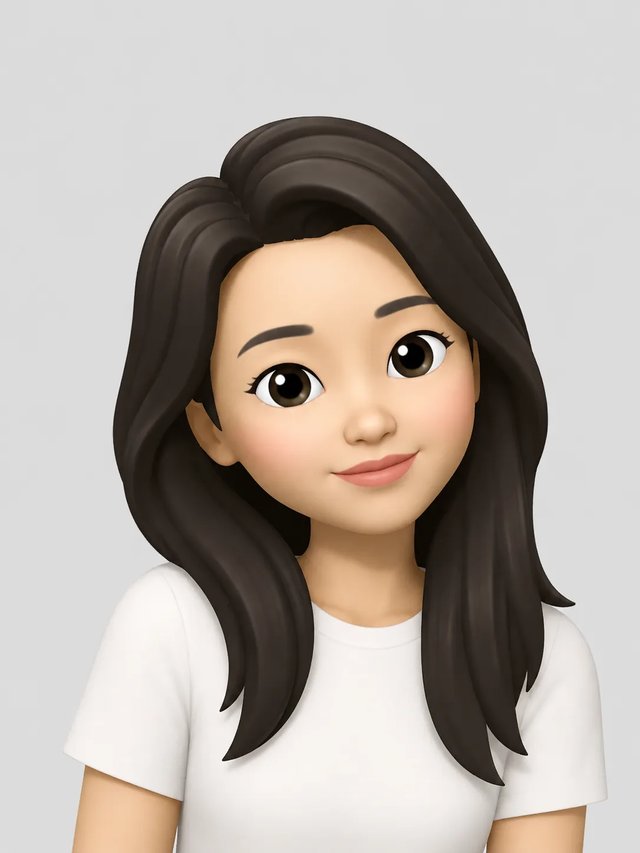
Profile photo
Set it as your WhatsApp, Telegram, Instagram or Google account picture. Crop it to a square or circle when the app asks.
Android phones don't ship Memoji. Upload a selfie in Chrome and get an Apple-style memoji picture to use as your profile photo or send in any chat.
The generator below works in your phone's browser, turns one clear face photo into an Apple-style 3D memoji of you, and saves it to your gallery as a picture. Nothing to install, and no iPhone needed.
Make my memoji
No photo handy? Try a sample
Use a clear photo where the face is visible.
Refunded if it fails
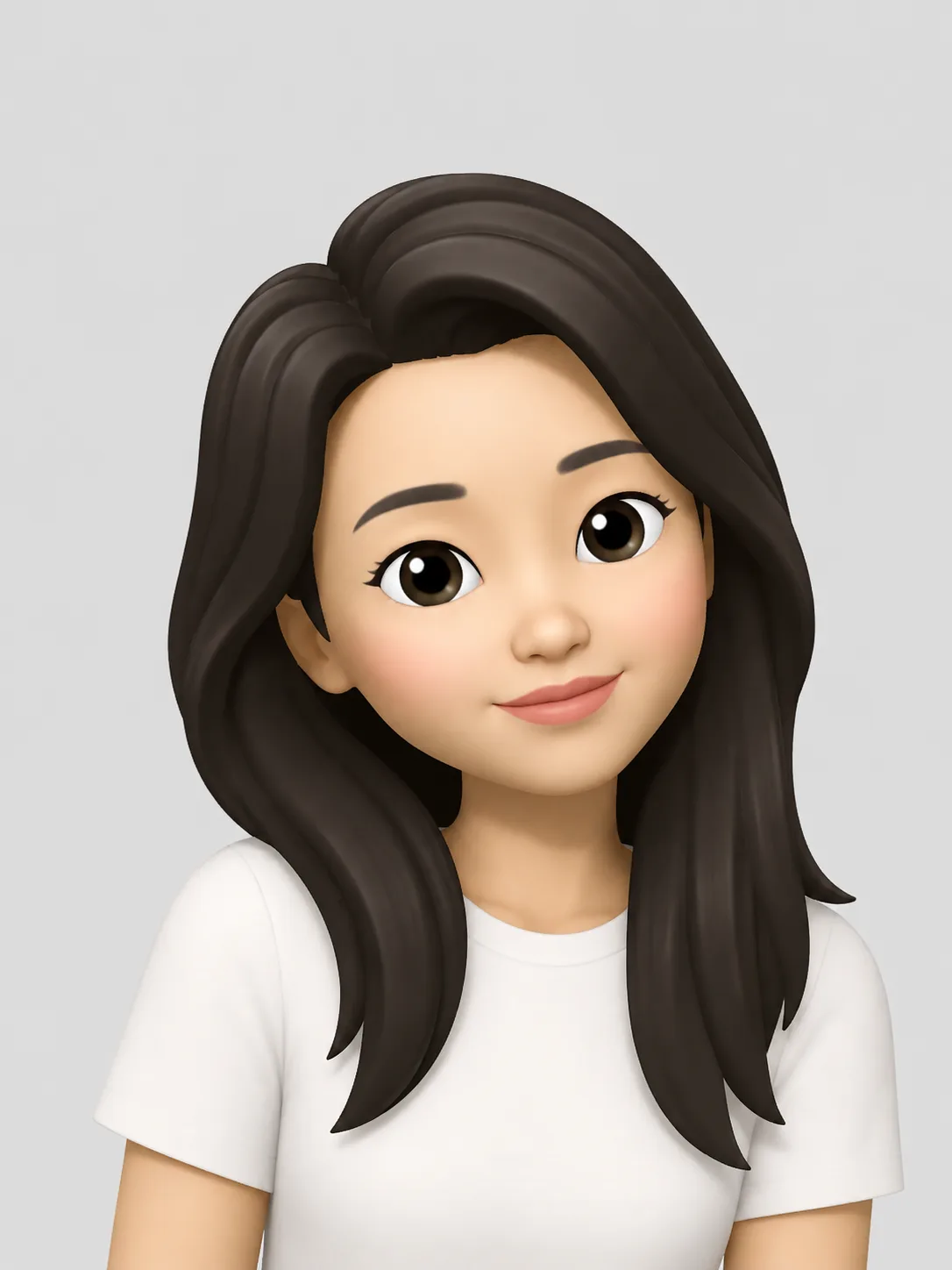

Apple builds Memoji into its own devices and keeps it there.
You build a Memoji in the Messages app on an iPhone or iPad. It then shows up in the iPhone keyboard as stickers and, on Face ID iPhones and iPads, in FaceTime as a face that moves with yours. Apple has never released a Memoji app for Android, and the Play Store has no official version.
What you can have on Android is a picture in the same style. Upload a selfie here and you get a still, Apple-style memoji of yourself.
Four ways people try to get Memoji on an Android phone, and what you end up with.
Built into select Samsung Galaxy phones. It makes an avatar from a selfie, in Samsung's own cartoon style rather than Apple's, and only on Samsung devices.
Play Store apps that bundle ready-made Memoji-style stickers. They are someone else's characters, not a memoji of you.
A friend with an iPhone can make your Memoji and send it to you. It arrives as an image you can save, but every change means asking them again.
Upload your own photo and get an Apple-style memoji of you as a still picture, on any Android phone with a browser. It doesn't move, and it won't add stickers to your keyboard.
No app to install, and typing a wish is optional.
Tap upload and choose a selfie from your gallery. A front or three-quarter view with your face in even light works best.
Add a short wish such as a bigger smile or glasses, or leave it blank for the default Apple-style look.
Download the picture to your gallery and crop it for wherever it's going. Unpaid runs include a watermark.
One photo in, one memoji picture out. Try the same effect in the generator above.
Original

Photo → memoji picture
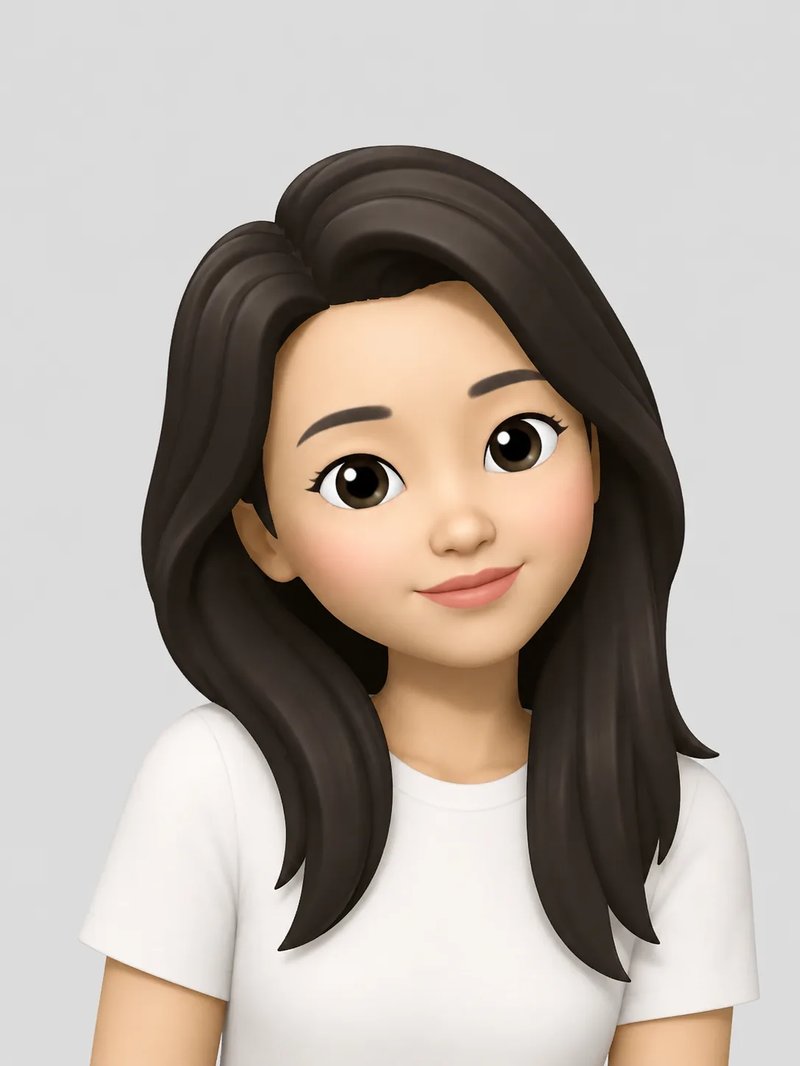
Effect style
Memoji-style look: big head, smooth 3D skin, large cartoon eyes, soft studio light. Optional: add a wish like a bigger smile or glasses.
It's a regular picture file, so it goes anywhere your phone lets you add an image.
Set it as your WhatsApp, Telegram, Instagram or Google account picture. Crop it to a square or circle when the app asks.
Send it in any messaging app the way you would send a photo, as a reply or a hello.
Use it as the picture for a WhatsApp or Telegram group you run, so the group has a face.
Post it in a story or a profile post when you want a cartoon version of you instead of a selfie.
No. Memoji is an Apple feature that only runs on Apple devices such as iPhone, iPad and Mac, and Apple has no Android version. What you can make here is an Apple-style memoji picture from your photo, which you can use on Android like any other image.
Open Memoji Generator in your phone's browser, upload a clear face photo and tap generate. When the result is ready, download it to your gallery. You need a free account to run it.
Select Samsung Galaxy phones have AR Emoji, which builds an avatar from a selfie in Samsung's own style. Outside Samsung, the usual routes are avatar apps such as Bitmoji, or a web tool like this one if you want the Apple look.
Yes, as pictures. A Memoji sticker sent from an iPhone usually arrives as a still image, and a recorded Memoji message as a short video. The memoji you make here is an image too, so it looks the same on every phone.
No. You get a still picture, not a live avatar, and it doesn't add stickers to your keyboard. Use it anywhere an app accepts an image.
Each memoji costs 3 credits. A new account gets 5 free credits, enough for one try. After that, buy a one-time credit pack on the pricing page. Memojis made with the free credits carry a watermark; ones made with purchased credits don't. There is no subscription, and credits never expire.
No. Memoji is a trademark of Apple Inc. This is an independent tool that makes pictures in a similar style from your photo.
Other ways to make and use your memoji.