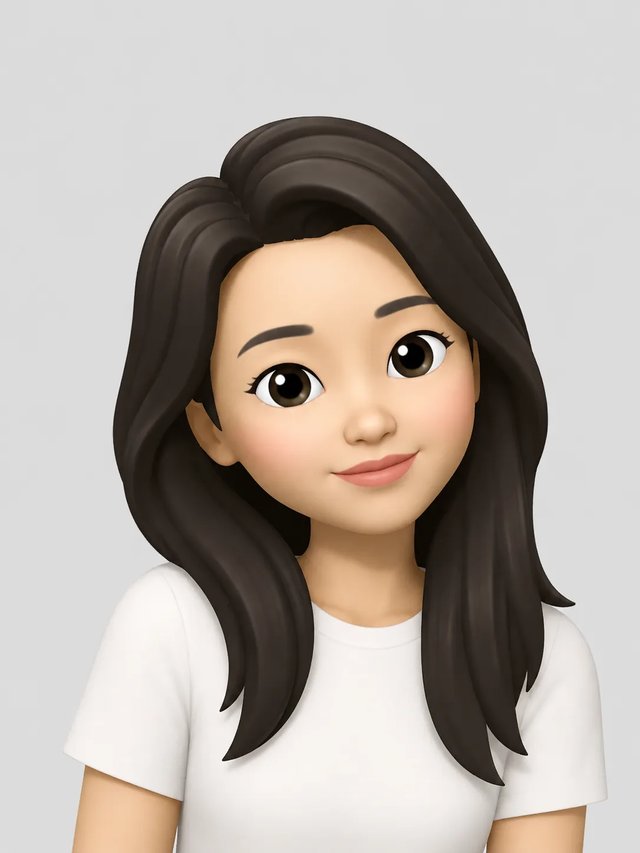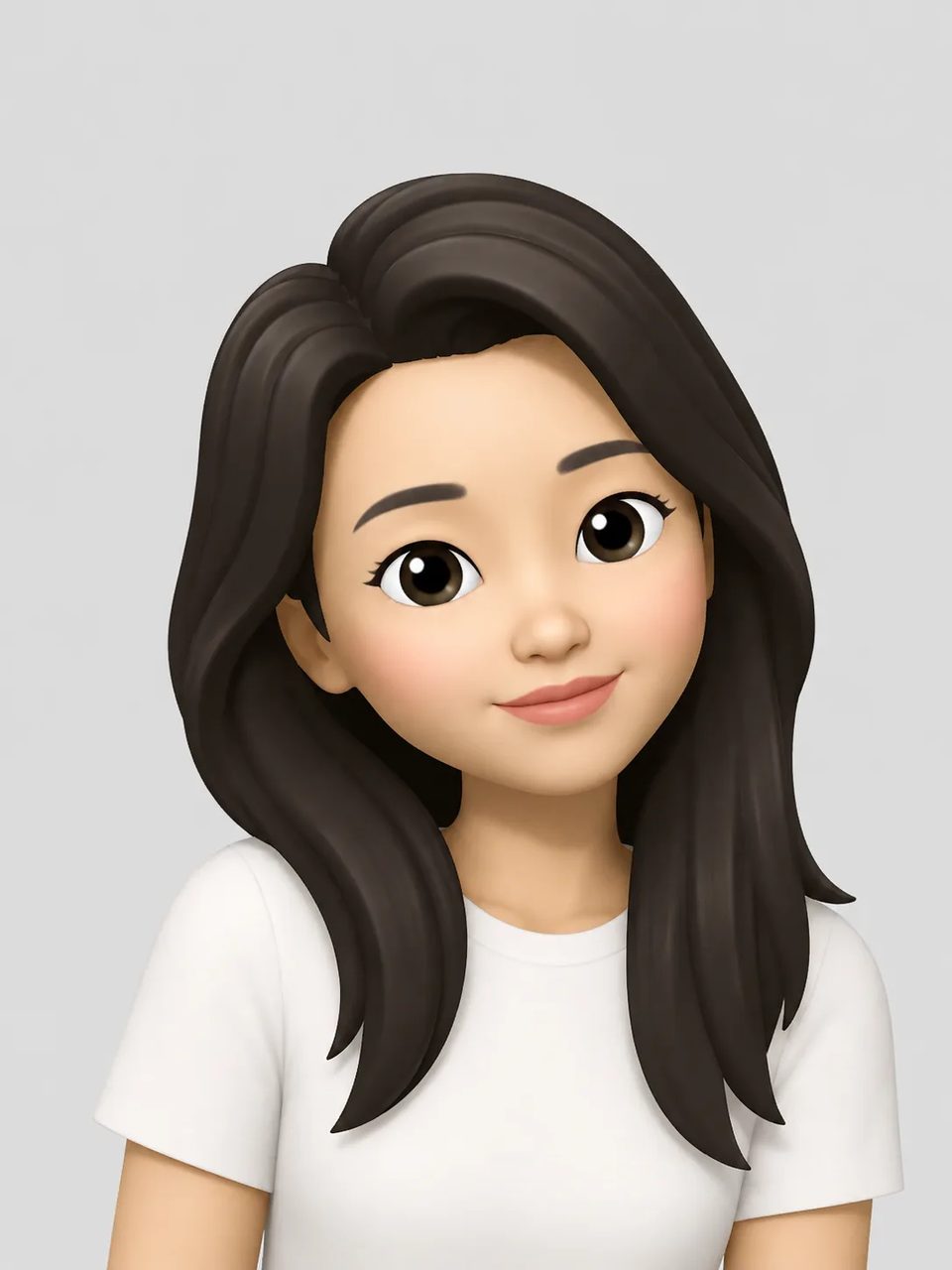
A memoji maker that builds a reusable Apple-style character file from a clear face photo
A memoji maker is for building a reusable 3D character file — a face you can crop for chat apps, profiles, or stickers — not for hand-tuning sliders on a phone. Unlike template makers that start from gender and skin-tone picks with no photo, this memoji maker starts from a real selfie so hair, glasses, and expression have something to follow. You still get an Apple-style bust on a studio-color background, not a cutout with a transparent edge.

A character file you own — not a Messages sticker pack, and not a random cartoon stranger.
Searchers who type memoji maker usually want one job: make a memoji they can reuse as a profile face or sticker. This memoji maker runs a fixed Photo to Memoji effect so you upload, generate, and download. The result is a bust portrait with soft plastic cartoon shading, ready to crop. It will not install into iMessage, and it will not track your face in FaceTime. If you only need a one-off experiment, any face path on this site works. Open this memoji maker when you came to build a character you can ship the same day.
See the memoji maker
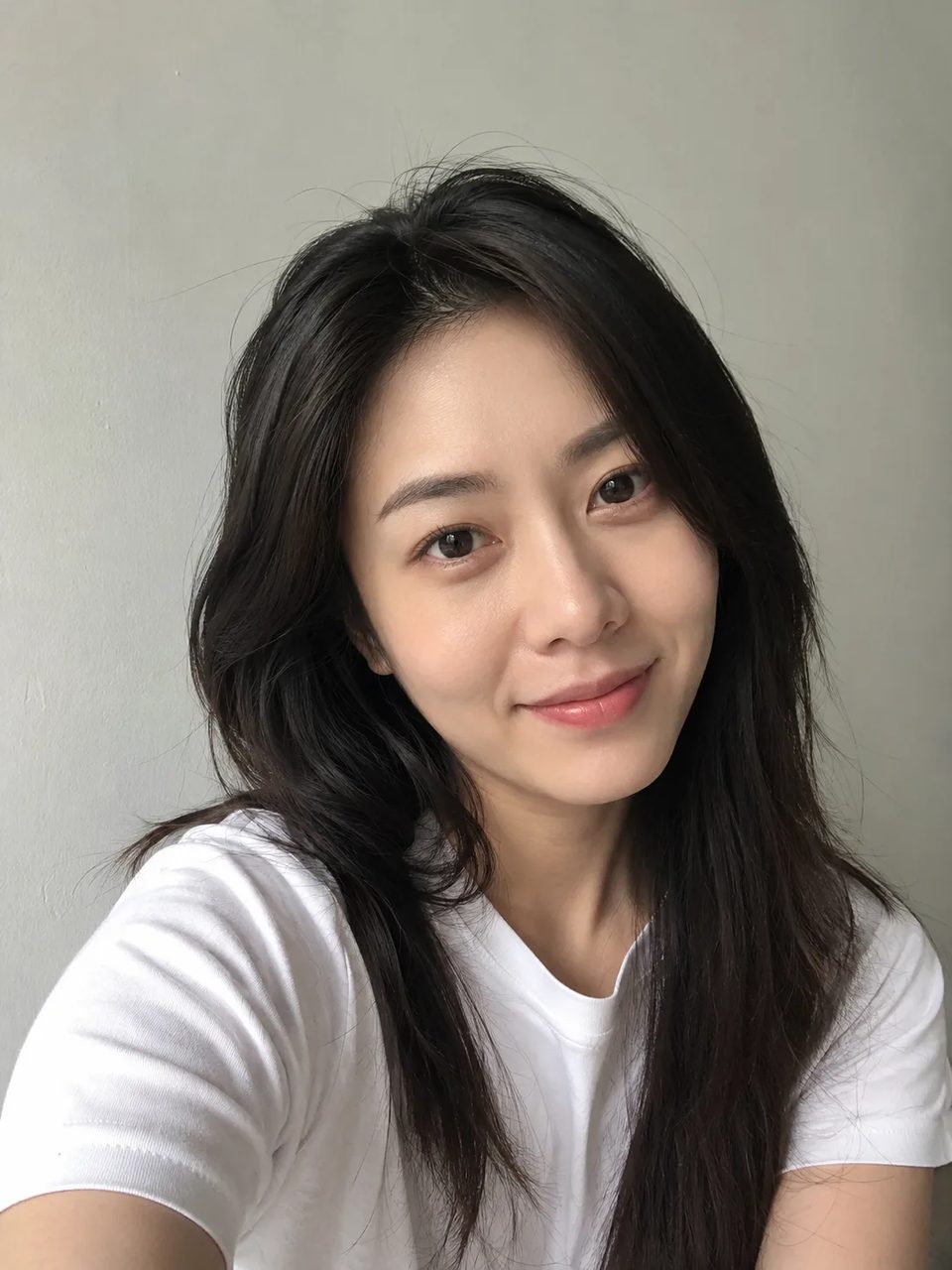
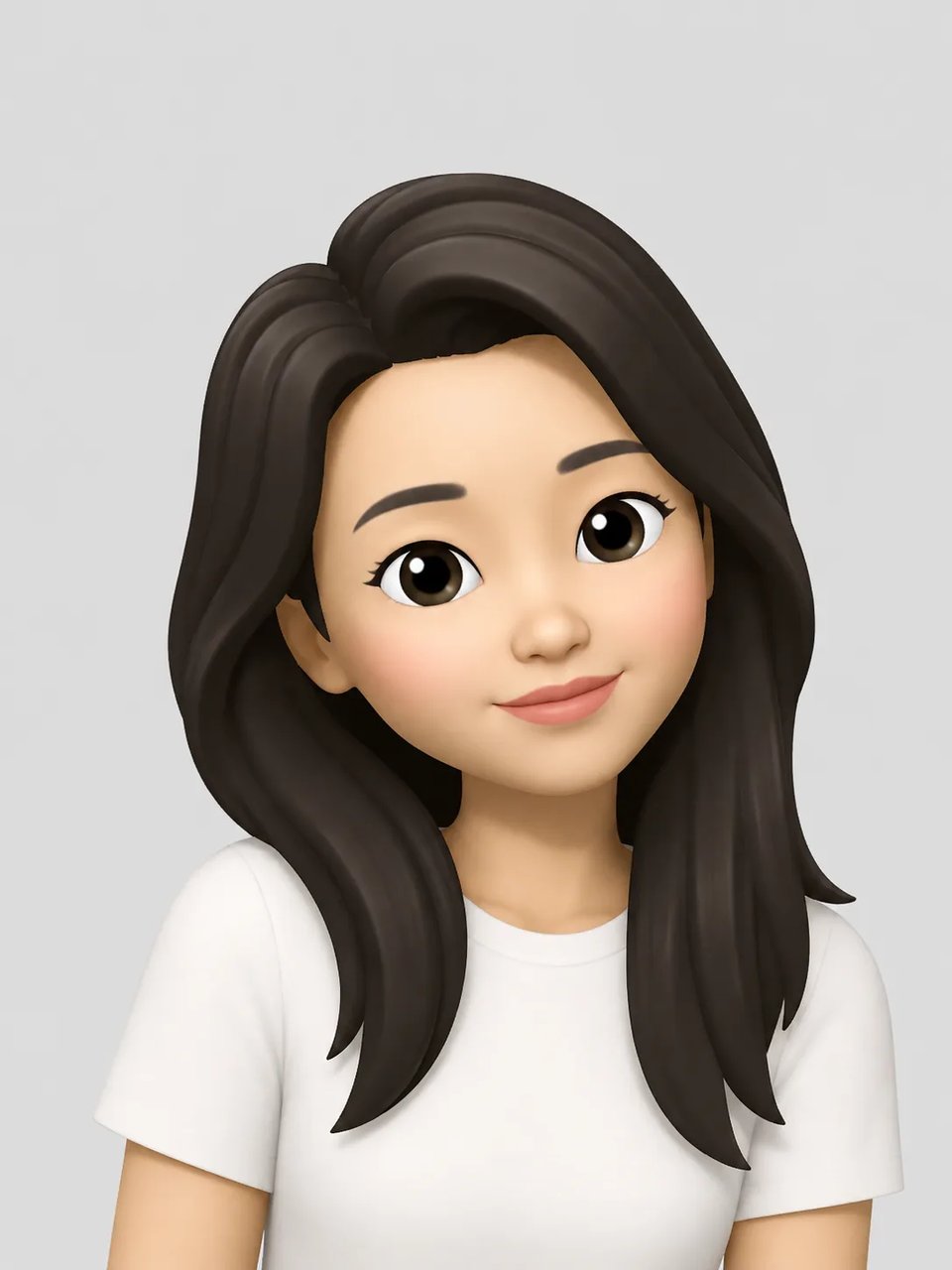
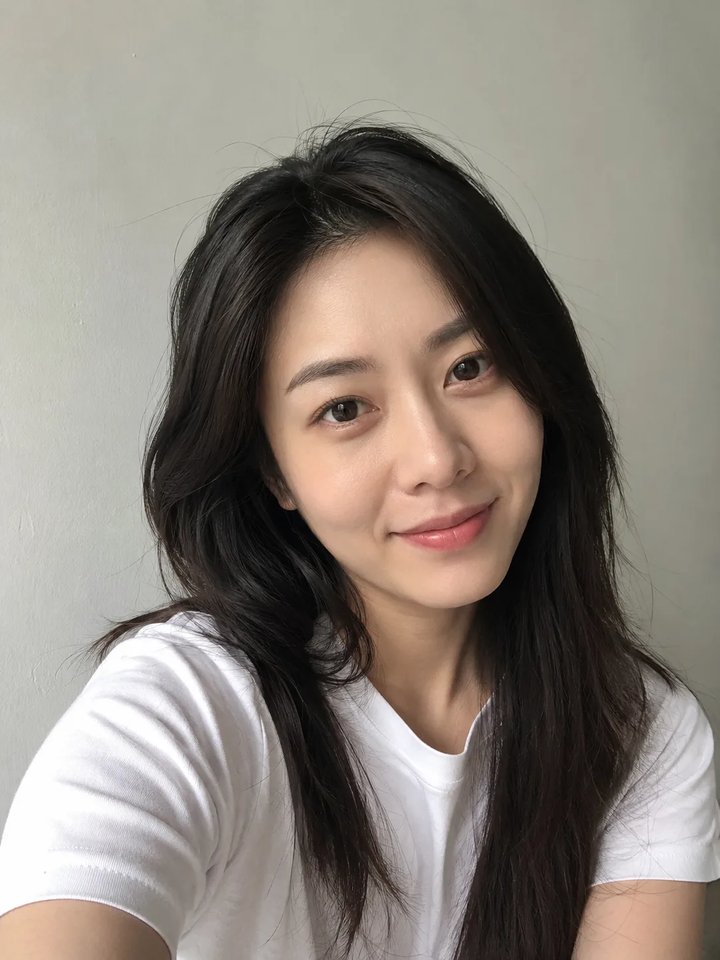
Original selfie in, Apple-style 3D character out. Try the same path in the generator above.
Photo → 3D memoji character
Original
Effect style
Many results for “memoji maker online” are template pickers. Start from a photo here, not a template picker.
You pick gender, skin tone, hair, and accessories from a menu. No photo required — and no photo likeness. Some export a transparent PNG. They do not start from your selfie.
Apple’s editor is free on supported devices and makes official stickers. It is hand-tuned, not “upload a selfie and ship,” and it is locked to Apple hardware.
Starts from a real face photo. You get a downloadable Apple-style bust on a studio-color background. Crop it for Discord, TikTok, or a sticker pack base. Not a transparent cutout.
No prompt writing required — the memoji maker uses a fixed Photo to Memoji effect.
Front or three-quarter portraits work best. Multi-person shots work when each face is visible.
Click generate. Set aspect ratio and resolution if you want, or leave defaults and make a memoji without typing a prompt.
Save the character, then crop a square for avatars or keep the bust for posts. Unpaid runs include a watermark. Credit packs never expire.
Where to use it
A character file you can crop — not a one-click share to every app.
Use the memoji maker when you want a clean Apple-style avatar for chat apps without opening a phone Memoji editor.
Make a memoji once, then crop it for stickers, reaction images, and story overlays that still look like you.
Keep one cartoon face across thumbnails and about pages. Re-run when you change hair or glasses in real life.
This memoji maker rebuilds an Apple iOS–style 3D cartoon character from a clear face photo — bust portrait, soft plastic shading, big cartoon eyes. You get a character file for avatars and stickers, not a floating sticker glued on the original photo.
The phone Memoji app is built into supported Apple devices. This memoji maker online runs in the browser: upload a photo, generate, download. You do not need a specific phone model. The file does not become a Messages sticker pack.
You need an account. New signups get 10 free credits. A default 1K run costs 6 credits, so signup covers one generation. Unpaid results include a watermark. Credit packs never expire. There is no no-signup path.
It tries to carry hair shape, glasses, and expression into the Apple-style character so the face still feels like you. Blurry, tiny, or heavily covered faces reduce how well identity carries over.
No. Output sits on a solid studio-color background. Crop the bust; do not expect a cutout.
No. Memoji Generator is independent. Memoji-related names are trademarks of their owners and are used for identification only.
Next on this site
Stay to build a character file. Jump if your next job is different.